




Set It and Forget It: 30-Minute Client Onboarding Automation for Coaches & Consultants
Complete automation blueprint from lead to paying client
You're spending 3+ hours onboarding each new client. Welcome calls, contract sending, payment processing, resource sharing, calendar scheduling—the endless back-and-forth that keeps you trapped in administrative quicksand instead of doing what you do best: serving clients and growing your business.
What if I told you that entire process could run automatically in just 30 minutes of your time—not per client, but total setup time that works for hundreds of clients?
Today, I'm sharing the exact automation blueprint that's transformed how thousands of coaches, consultants, speakers, and course creators onboard their clients.
This isn't theory—it's a battle-tested system that eliminates 90% of manual work while creating a premium client experience.

The Hidden Cost of Manual Onboarding
Before we dive into the solution, let's acknowledge the real problem. Manual onboarding isn't just time-consuming—it's costing you money and opportunities.
Time Cost: At 3 hours per client, onboarding 20 clients monthly equals 60 hours—an entire work week lost to administration.
Opportunity Cost: Those 60 hours could generate $15,000-$30,000 in additional revenue (depending on your hourly rate).
Client Experience Cost: Delayed responses, forgotten follow-ups, and inconsistent communication create friction exactly when first impressions matter most.
Mental Energy Cost: Constant context switching between onboarding tasks and actual client
The 30-Minute Automation Blueprint
This system transforms your onboarding into a seamless, professional experience that runs without your involvement. Here's how it works:
Phase 1: Lead Capture & Qualification (Automated)
The Trigger: Lead fills out your consultation form or downloads your lead magnet.
What Happens Automatically:
Lead receives immediate welcome email with next steps
Information flows into your CRM with proper tagging
Qualification questionnaire sent automatically
Calendar link provided for consultation (if qualified)
Your Time Investment: 0 minutes per lead
Phase 2: Consultation & Proposal (Semi-Automated)
The Trigger: Prospect books consultation call.
What Happens Automatically:
Pre-call questionnaire sent 24 hours before
Zoom link and preparation materials delivered
Proposal template pre-populated with their information
Follow-up sequence ready to deploy
Your Time Investment: Call duration + 5 minutes to customize proposal
Phase 3: Contract & Payment (Fully Automated)
The Trigger: Prospect accepts your proposal.
What Happens Automatically:
Contract generated with their details
DocuSign or similar tool sends for signature
Payment link sent immediately after signature
Welcome packet prepared for delivery
Your Time Investment: 0 minutes
Phase 4: Welcome & Resource Delivery (Automated)
The Trigger: Payment confirmed.
What Happens Automatically:
Welcome video and onboarding packet sent
Access credentials for client portal/course platform
Calendar links for upcoming sessions delivered
Project management tool access granted
First session preparation materials sent
Your Time Investment: 0 minutes
Phase 5: Session Preparation & Follow-Up (Automated)
The Trigger: Sessions scheduled in calendar.
What Happens Automatically:
Reminder sequences for upcoming sessions
Pre-session questionnaires delivered
Post-session follow-up with action items
Progress tracking updates sent to client
Next session preparation materials delivered
Your Time Investment: 0 minutes
The Technology Stack That Makes It Possible
You don't need expensive, complex software. Here's the simple tech stack that powers this system:
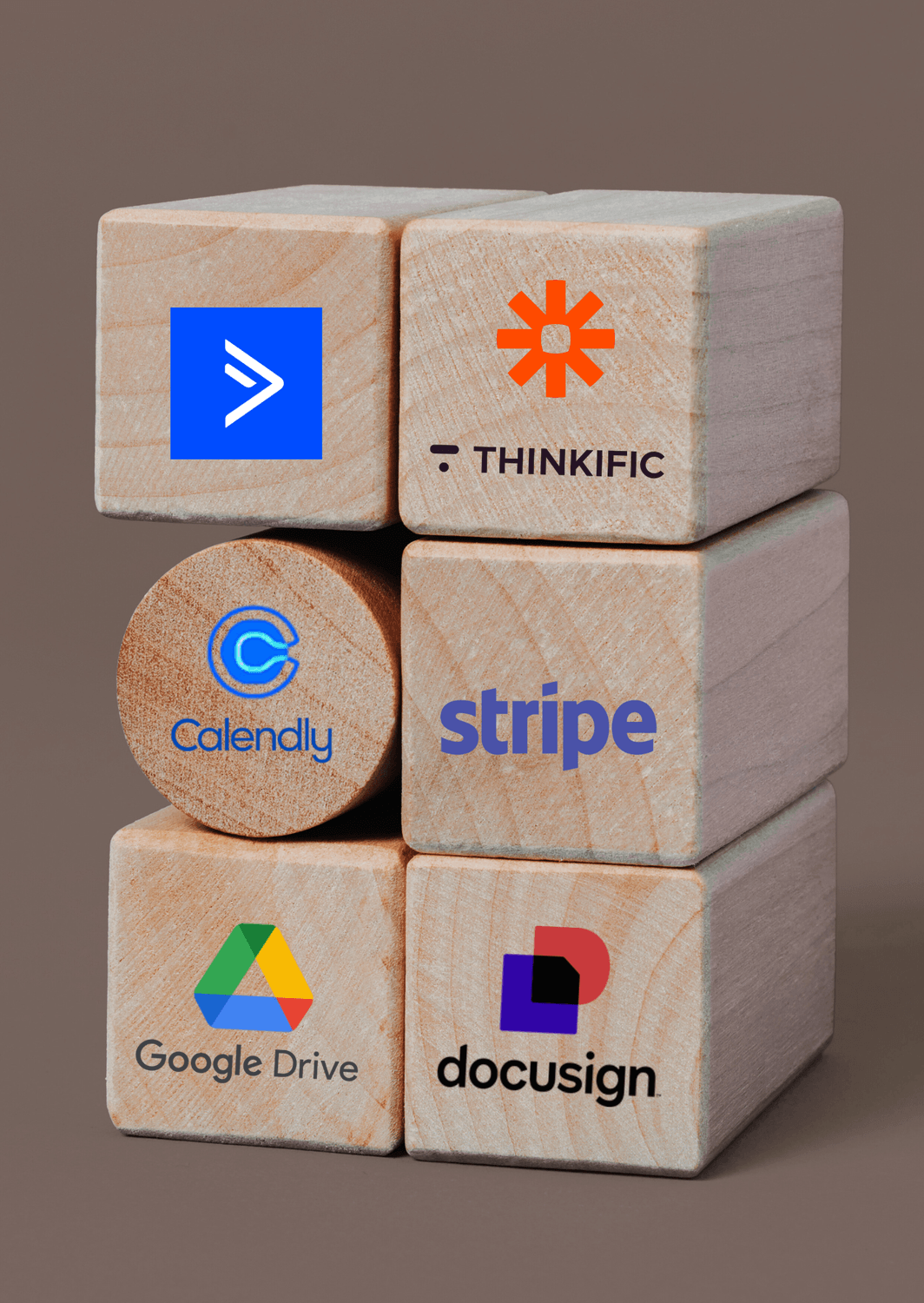
CRM/Email Marketing: Choose one platform that handles both (ConvertKit, ActiveCampaign, or HubSpot)
Scheduling: Calendly or Acuity Scheduling with conditional logic
Contracts: DocuSign, PandaDoc, or HelloSign
Payment Processing: Stripe integrated with your CRM
Course/Resource Delivery: Teachable, Thinkific, or simple Google Drive folder
Automation Glue: Zapier or Make.com to connect everything
Total Monthly Cost: $100-$200 (pays for itself with your first automated client)
Setting Up Your 30-Minute System
Step 1: Map Your Current Process (10 minutes)
Write down every single step in your current onboarding process. Include emails sent, documents shared, calls scheduled, and payments collected. This becomes your automation roadmap.
Step 2: Create Your Email Sequences (15 minutes)
Draft 7-10 email templates covering:
Welcome and next steps
Pre-consultation preparation
Proposal follow-up
Contract instructions
Welcome packet delivery
Session reminders
Post-session follow-up
Step 3: Set Up Your Automations (5 minutes)
Using Zapier or Make.com, create simple "if this, then that" rules connecting your tools. Start with the most obvious connections and add complexity later.
The Client Experience Transformation
Your clients will notice the difference immediately:
Instead of waiting days for contracts: They receive everything instantly after saying yes.
Instead of hunting for login details: Everything arrives organized and when needed.
Instead of wondering what's next: Clear communication guides them through each step.
Instead of feeling forgotten: Consistent touchpoints maintain engagement.
Advanced Automation Strategies
Once your basic system runs smoothly, layer in these advanced features:
Dynamic Content: Tailor emails and resources based on client type, package purchased, or goals selected.
Behavioral Triggers: Send different sequences based on client actions (or inactions).
Progress Tracking: Automatically update clients on milestone completion and next steps.
Feedback Loops: Collect and act on client feedback without manual intervention.
Common Implementation Mistakes (And How to Avoid Them)
Mistake #1: Over-Engineering from the Start Start simple. Automate the most time-consuming tasks first, then add complexity.
Mistake #2: Forgetting the Human Touch Automation should enhance, not replace, personal connection. Include personal video messages and maintain authentic communication.
Mistake #3: Set It and Actually Forget It Review your automation monthly. Update content, fix broken sequences, and optimize based on client feedback.
Mistake #4: Not Testing Before Launch Run through your entire sequence as a test client. Nothing kills professionalism like broken automation.
Measuring Your Success
Track these key metrics to optimize your system:
Time Saved: Hours per month returned to revenue-generating activities
Client Satisfaction: Survey scores on onboarding experience
Conversion Rate: Percentage of leads that become paying clients
Time to Value: How quickly clients start seeing results
Support Requests: Reduction in onboarding-related questions
The ROI Reality Check
Let's do the math on this investment:
Time Investment: 30 minutes of setup
Monthly Cost: $150 average for tools
Time Saved: 60 hours monthly (assuming 20 clients)
Revenue Potential of Saved Time: $15,000-$30,000 monthly
ROI: 10,000%+ in the first month
More importantly, you'll sleep better knowing your business runs smoothly whether you're available or not.
Your Next Steps
The most successful coaches and consultants aren't necessarily the most talented—they're the ones who've systematized their businesses to run without constant oversight.
Your automated onboarding system is the foundation of that freedom.
Start today:
Map your current process (seriously, do this now)
Choose your tech stack
Create your first automation
Remember:
Every minute you delay is a minute you could be serving clients instead of shuffling paperwork.
Your future self—and your clients—will thank you.
POST CATEGORY
Grow with your VA
Get early access to our new service by registering your interest






2025 Grow with your VA